
Help · CSS Tools
Clean Up, Minify, and Inspect CSS Before You Ship It
CSS often arrives in the wrong shape for the job. A file that is good for shipping can be painful to debug, while readable code can be too large for a quick embed.
Appkiro's CSS Beauty, Minify & Formatter tool lets you move between readable CSS, compact CSS, and quick stylesheet statistics from the same browser-based workspace.
Quick answer
Use CSS Beautifier when you need CSS that is easier to read, use Minify when you need smaller output, and use Statistics when you want a fast look at size, lines, rules, selectors, declarations, and comments. Start from pasted code or upload a local stylesheet.
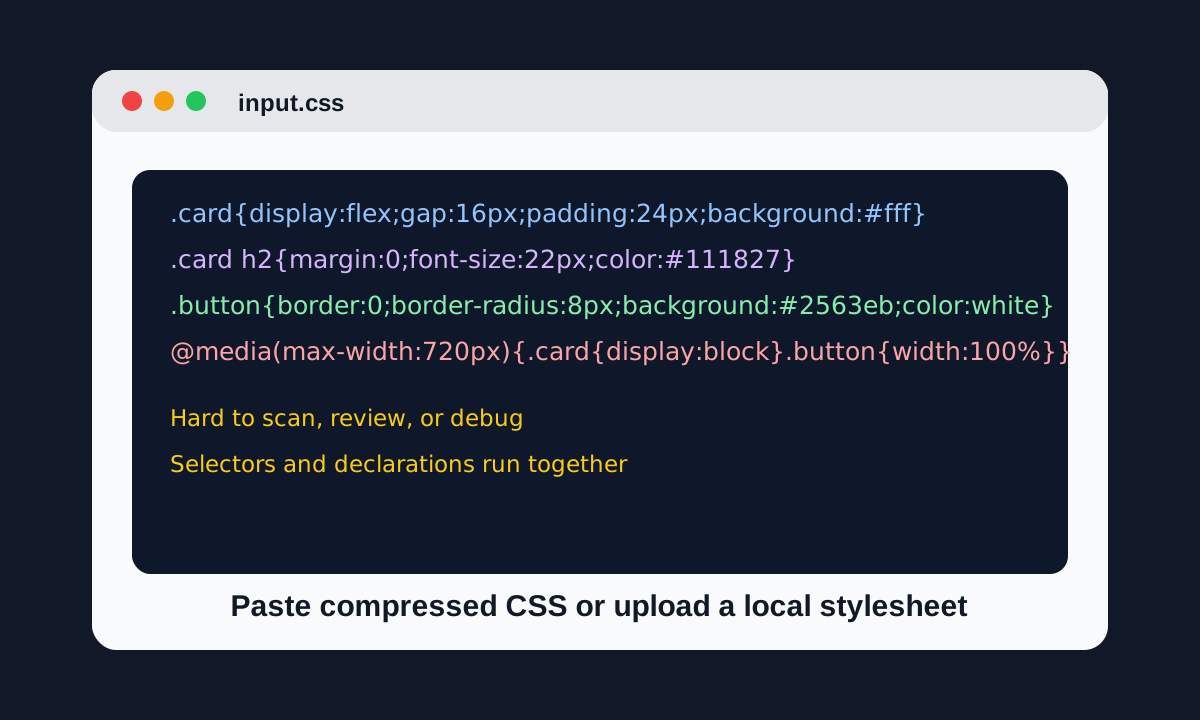
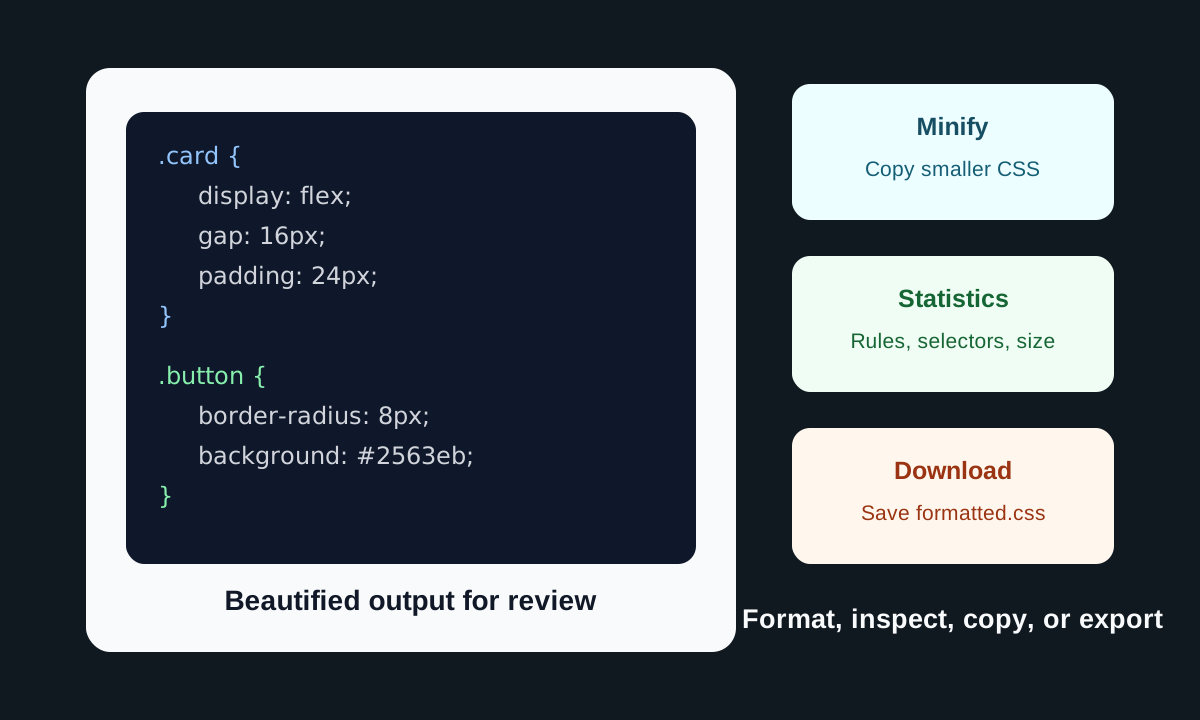
From compressed CSS to usable output
When this tool is useful
- Turn compressed CSS into readable code before debugging or code review
- Minify a stylesheet before pasting it into a theme, CMS, or small project
- Compare formatted and minified output without re-pasting the same CSS
- Check rough CSS size changes, line counts, selectors, declarations, and comments
- Upload a local .css file, clean it up, then download a fresh formatted copy
How to format, minify, and inspect CSS
Paste CSS or upload a file
Start with pasted CSS, the sample stylesheet, or a local .css file. The same input powers Beautify, Minify, and Statistics modes.
Choose Beautify for readable code
Beautify adds line breaks and indentation so selectors and declarations are easier to scan. Use it before debugging, reviewing, or sharing CSS with another person.
Adjust formatting options
Pick two spaces, four spaces, or tabs. Then decide whether to auto-indent, add a space before braces, place a blank line between rules, or remove comments.
Switch to Minify when size matters
Minify removes unnecessary whitespace and comments to produce a smaller stylesheet for production snippets, embeds, or CMS fields.
Use Statistics to inspect the stylesheet
The statistics panel shows character counts, line counts, size delta, rules, selectors, declarations, and comments. Treat these as quick code metrics, not a full CSS audit.
Copy or download the output
Copy the visible output to the clipboard, use Compare when you want beautified and minified versions together, or download the result as formatted.css.
Modes and options explained
- Beautify mode
- Best for reading and editing. It expands compact CSS into a consistent structure with selectors, braces, and declarations on separate lines.
- Minify mode
- Best for smaller output. It strips unnecessary characters so the stylesheet is easier to embed or serve when humans do not need to read it.
- Statistics mode
- Best for a quick overview. It reports size and structure counts so you can spot unusually large output or comment-heavy source CSS.
- Indent style
- Choose two spaces, four spaces, or tabs. Match the style already used by your team or project to avoid noisy diffs.
- Remove comments
- Turn this on for production-style output. Leave it off when comments explain browser fixes, design tokens, or code that another person needs to review.
- Compare action
- Compare copies both beautified and minified versions in one block. It is useful for documentation, tickets, or quick manual diff checks.
Practical examples
Debugging a CMS theme
A theme field contains one long CSS block. Beautify it first, inspect the selector that is causing the issue, then paste only the corrected rule back into the CMS.
Preparing a small embed
A landing page needs a compact custom stylesheet. Keep a beautified copy for editing, then switch to Minify before pasting the final CSS into the page.
Reviewing code from a generator
A design tool exports CSS with inconsistent spacing. Format it with two spaces or tabs, remove comments if they are not useful, and review the selectors line by line.
Checking a suspiciously large snippet
Use Statistics to compare input and output size, then look at selector and declaration counts to decide whether the CSS needs cleanup beyond formatting.
Tips for cleaner CSS output
- Beautifying CSS makes it easier to read, but it does not guarantee the CSS is valid or logically correct.
- Minify only after you keep an editable copy. Single-line CSS is harder to debug later.
- Do not remove comments automatically when they document browser hacks, tokens, or project decisions.
- If the source uses SCSS, LESS, or Stylus features, compile it with the right preprocessor before treating it as production CSS.
- For generated CSS, review selector names after formatting. A clean layout can still contain duplicate or unused rules.
A note on browser-based CSS work
The tool is designed for browser-based formatting, minification, file reading, copying, and downloading. That is useful for everyday snippets and stylesheet cleanup. For production build pipelines, keep using your project's compiler, bundler, linter, and test setup as the final source of truth.
Related CSS tools
CSS generators often produce snippets you may want to review or compact afterward. These tools fit naturally into the same workflow.
CSS Beauty, Minify & Formatter
Format, minify, analyze, copy, upload, and download CSS.
CSS Filter Generator
Build visual filter effects and copy production CSS.
CSS Animation Generator
Create keyframes visually and export CSS, HTML, React, or Vue snippets.
Box Shadow Generator
Design shadows visually, then format or minify the generated CSS.
Frequently asked questions
- What does CSS Beauty, Minify and Formatter do?
- It beautifies CSS for readability, minifies CSS for smaller output, and shows basic statistics such as character counts, line counts, rules, selectors, declarations, and comments.
- When should I beautify CSS instead of minifying it?
- Beautify CSS when you need to read, debug, review, or edit it. Minify CSS when the file is ready to embed or ship and readability is no longer the priority.
- Can it validate CSS?
- It is a formatter and minifier, not a full validator. It can make CSS easier to inspect, but you should still test the stylesheet in the browser or a dedicated validator.
- Can I upload a CSS file?
- Yes. The tool can read a local .css or text file into the input editor, then you can format, minify, copy, or download the output.
- Does it support SCSS or LESS?
- It can accept those snippets as text, but it does not compile preprocessor syntax such as variables, mixins, or nested rules. Compile preprocessor code first when accuracy matters.
- Will minifying CSS change how it works?
- Minification is intended to remove unnecessary characters, not change behavior. Still, test the result when CSS contains unusual syntax, comments used by tooling, or preprocessor-like code.
Ready to clean up a stylesheet?
Open the CSS tool, paste your stylesheet, and choose Beautify, Minify, or Statistics.