Palette directions from one starting color
Compare accessible UI, brand, and editorial palette options before copying values.
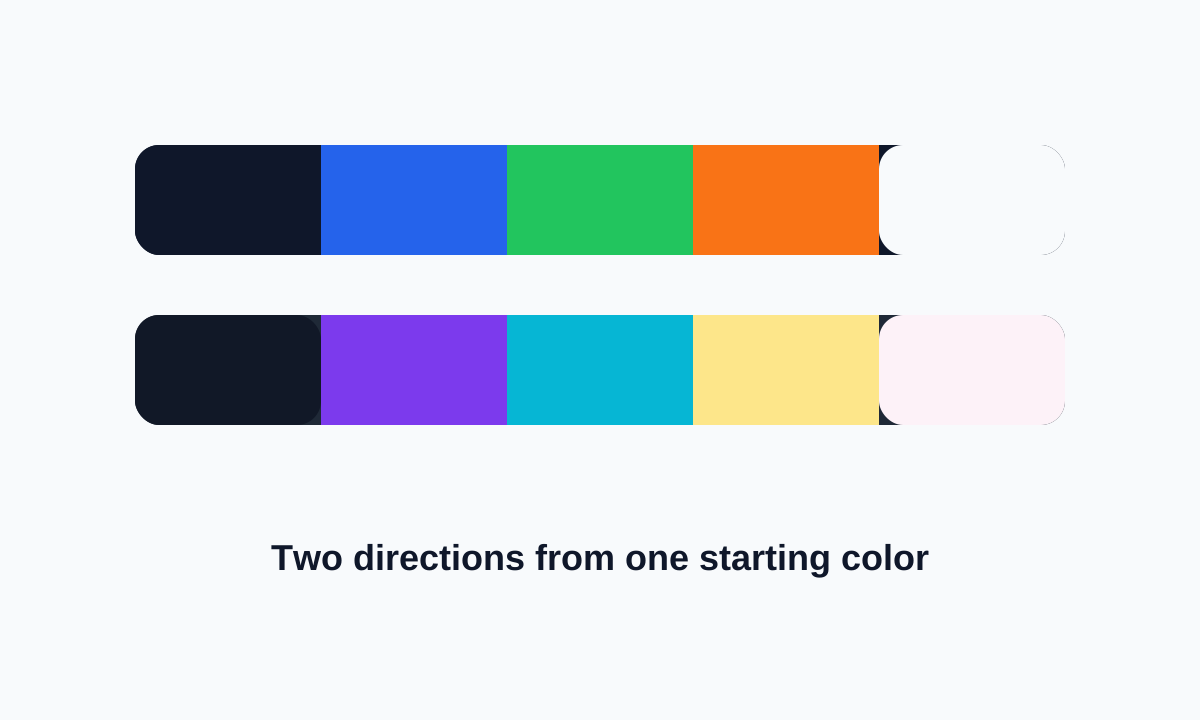
Start here when a project needs a color direction, not just one favorite swatch. Generate palette options, compare their roles, then test text contrast before using them in real UI.
Visual examples show the kind of input and output this tool is designed around.
Compare accessible UI, brand, and editorial palette options before copying values.
Create several palette candidates around a base hue so early design conversations can compare mood, contrast, and flexibility.
When the starting point is a photo or poster, extract colors from a reference image first, then generate cleaner combinations from the strongest swatch.
Once the palette feels balanced, build a gradient from the palette for backgrounds, hero sections, or subtle component accents.
Colors can look good together and still fail as text/background pairs. Treat accessibility checks as a separate step.
Good color work moves from inspiration to roles to accessibility checks.
Generate palette
Color Contrast Checker
Gradient Generator
Keep only the colors with a clear job. A practical UI palette often needs fewer visible colors than the first generated set suggests.
Assign roles, check contrast for text pairs, and test the colors in actual components before treating the palette as final.
Yes, but extracted colors often need editing. Photos include shadows and highlights that may not work as reusable brand or UI colors.
Color Palette Generator is useful when you need a set of colors that can move into a real design file, style guide, or CSS snippet without much cleanup. Start with the generated palette, switch the harmony strategy if the mood feels off, then lock the colors you already like before generating again.
The lock button is the small detail that makes the tool easier to use. If one blue feels right but the supporting colors do not, lock that blue and keep exploring around it instead of starting over.
Copy Colours is the quickest option when you only need the raw values. CSS Variables is better for frontend work because you can paste the result into a stylesheet and rename variables later. JSON is handy when the palette needs to travel into a design token file, a small app config, or another tool.
Each color row also shows extra context such as the color name, RGB, and OKLCH-like values. Those details are not just decorative; they help when two colors look close but behave differently in UI contrast or shade generation.
Yes. Lock the color first, then generate again. Locked colors stay in place while the unlocked colors are replaced.
Use CSS Variables if you want to paste the palette straight into CSS. Use JSON if the colors are going into design tokens or app configuration.
Yes. Use the small shade action on a color row to open the Tailwind shades tool with that color prefilled.